Changing jobs is common in today’s professional world, but many employees forget to transfer their Employees’ Provident Fund (EPF) balance to their new employer. Leaving multiple PF accounts inactive can complicate future withdrawals and retirement planning.
To simplify this process, the Employees’ Provident Fund Organisation (EPFO) has enhanced its online member portal by providing multiple options for transferring PF balances after changing employers. The updated system is designed to reduce paperwork, speed up transfers, and help employees maintain a single consolidated EPF account linked to their Universal Account Number (UAN).
This guide explains everything you need to know about the new PF transfer process.
Why Should You Transfer Your PF After Changing Jobs?
Many employees assume they should withdraw their PF whenever they change jobs. However, transferring your PF balance is generally a better option because it offers several long-term benefits.
Benefits of PF Transfer
- Keeps your retirement savings in one account
- Maintains continuous EPF service history
- Simplifies future withdrawals
- Helps preserve pension eligibility under EPS
- Reduces the chances of inactive or dormant PF accounts
- Makes account management easier through a single UAN
Maintaining one active EPF account also helps avoid unnecessary administrative issues later when applying for final settlement or pension benefits.
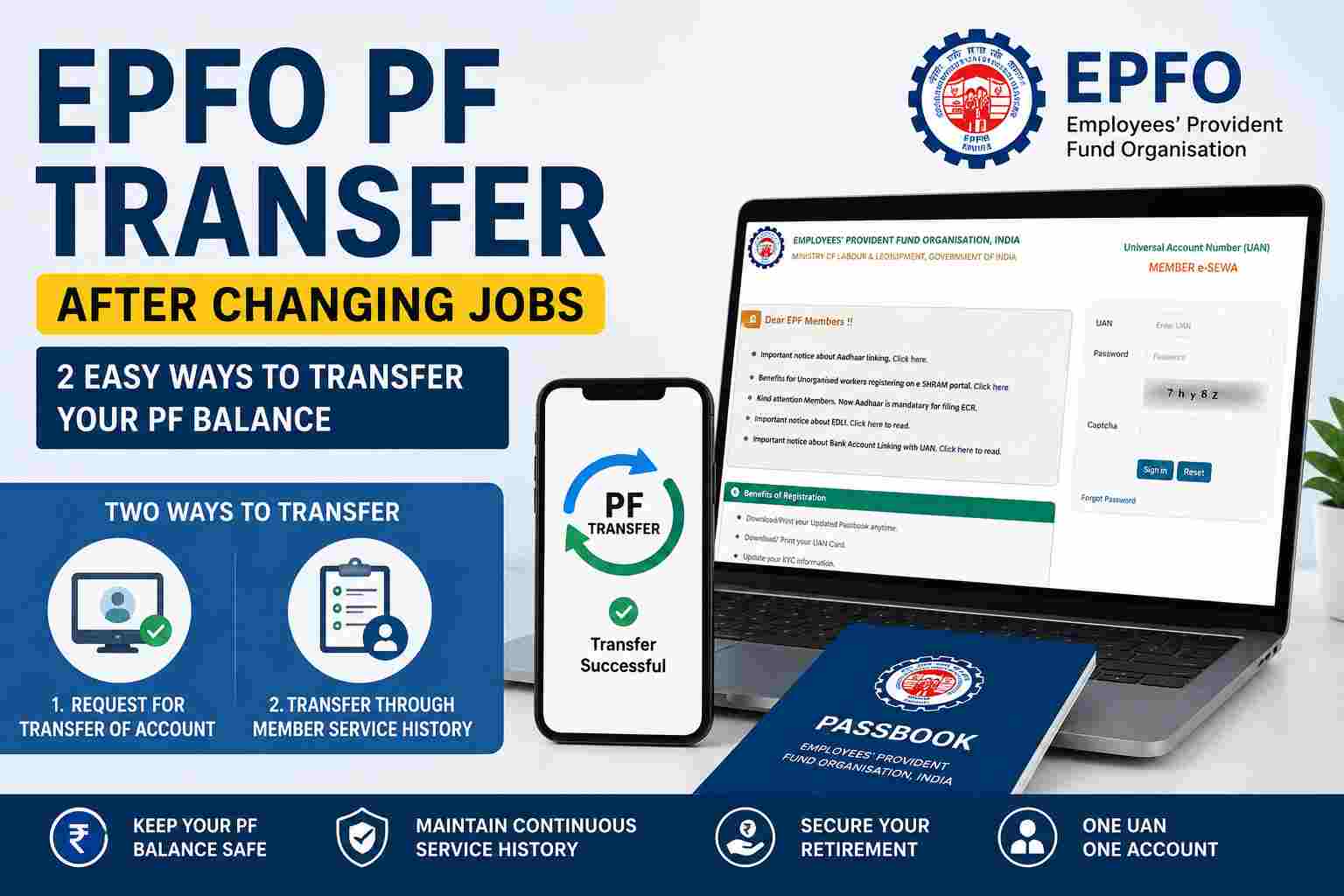
Two Ways to Transfer Your PF Balance on the EPFO Portal
The upgraded EPFO member portal now allows employees to transfer their PF using two different methods.
Method 1: Request for Transfer of Account
This is the standard online transfer facility available through the EPFO Member Portal.
Step-by-Step Process
- Visit the EPFO Member Portal.
- Log in using your UAN and password.
- Navigate to Online Services.
- Select Request for Transfer of Account.
- Verify your personal information.
- Confirm your previous and current employment details.
- Authenticate the request using the registered mobile OTP if required.
- Submit the transfer request.
Once submitted, you can monitor the status online through the portal.
Method 2: Transfer Through Member Service History
Employees can also initiate PF transfers by accessing their employment history available under their EPFO profile.
This option allows users to review previous Member IDs linked with their UAN and initiate the transfer process from there, making it convenient for employees who have worked with multiple employers.
Who Can Apply for an Online PF Transfer?
To successfully transfer your PF account online, you should generally meet the following conditions:
- Active Universal Account Number (UAN)
- Aadhaar linked with UAN
- Mobile number linked to Aadhaar
- Verified KYC details
- Previous and current Member IDs available under the same UAN
- Correct joining and exit dates updated by employers
Incomplete KYC or incorrect employment records may delay the transfer process.
Documents Required
Most online transfers do not require physical paperwork if your records are updated. However, ensure the following are available:
- UAN credentials
- Aadhaar
- PAN (if applicable)
- Bank account linked with EPFO
- Registered mobile number
- Employer details
How to Check PF Transfer Status
After submitting the request:
- Log in to the EPFO Member Portal.
- Open Online Services.
- Select Track Claim Status or the relevant transfer status section.
- View the current progress of your transfer request.
The portal provides updates until the transfer is completed.
Common Reasons Why PF Transfer Requests Fail
Some of the most common issues include:
- Aadhaar not linked with UAN
- Incorrect Date of Joining or Date of Exit
- Mismatch in personal details
- Pending employer verification
- Incomplete KYC
- Multiple UANs created for the same employee
Employees should verify their information before submitting a transfer request to minimize delays.
Important Tips Before Initiating PF Transfer
- Activate your UAN if not already active.
- Complete Aadhaar, PAN, and bank verification.
- Check that your previous employer has updated your exit date.
- Ensure your current employer has generated a new Member ID under the same UAN.
- Keep your registered mobile number active for OTP authentication.
Frequently Asked Questions (FAQs)
Is PF transfer mandatory after changing jobs?
While not legally mandatory, transferring your PF balance is strongly recommended to maintain continuous service records and simplify future withdrawals.
Can I transfer PF online without visiting an EPFO office?
Yes. Most transfers can now be completed entirely online through the EPFO Member Portal if your KYC details are verified.
Can I have multiple PF accounts?
You may receive a new Member ID when joining a new employer, but all accounts should ideally remain linked under the same UAN.
What happens if I don’t transfer my PF?
Your previous PF account remains associated with your UAN, but managing multiple accounts can complicate withdrawals and retirement planning.
How long does PF transfer usually take?
Processing times vary depending on verification and employer records. Delays may occur if KYC or employment details are incomplete.