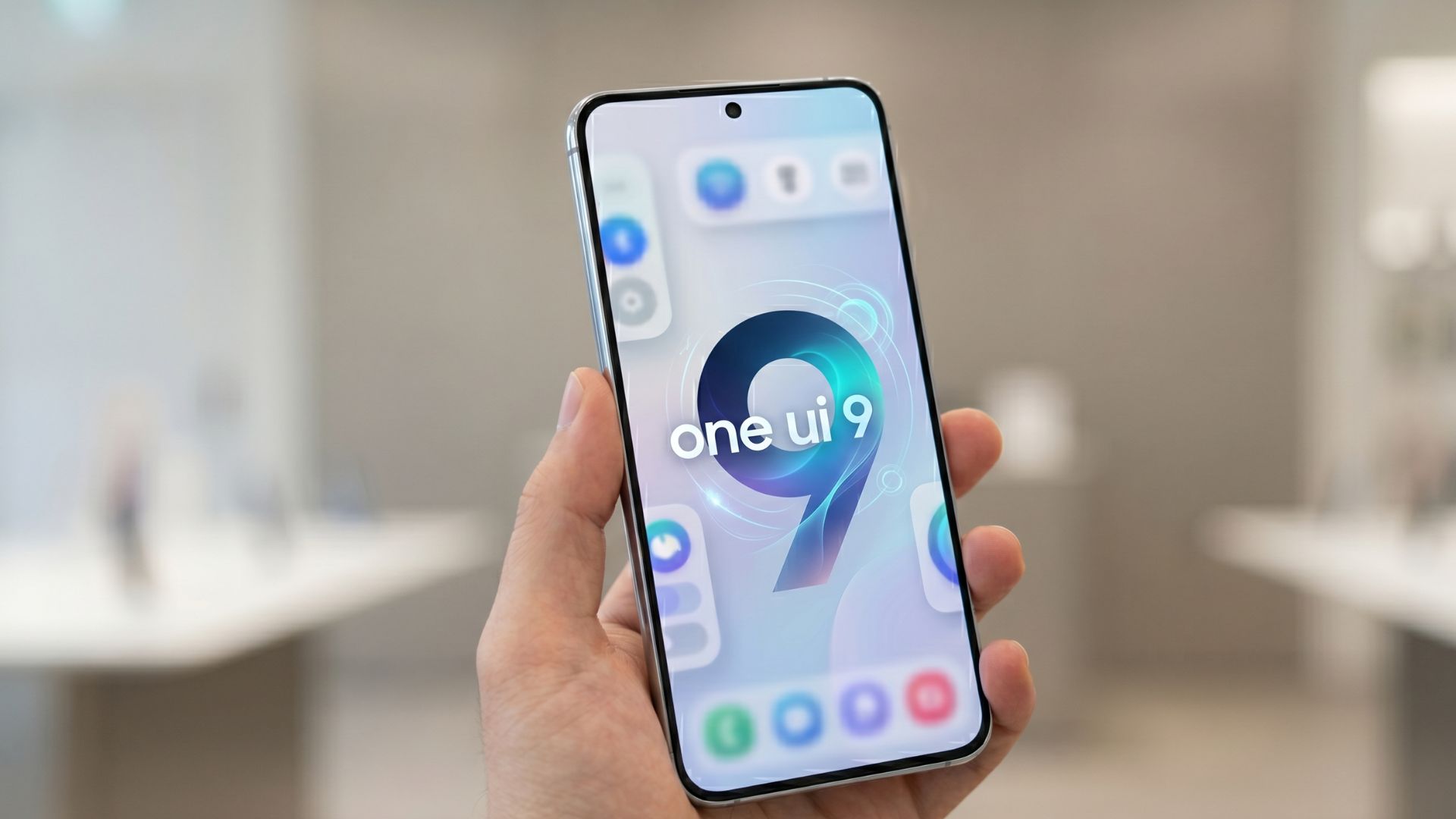
Samsung is expanding the stable One UI 9.0 update to more Galaxy smartphones worldwide. Based on Android 17, the update brings changes to the user interface, Galaxy AI tools, privacy features, device management, and everyday tasks.
The software first arrived on Samsung’s latest flagship devices before expanding to older Galaxy models. By October 2026, reports indicate that the update is reaching additional Galaxy S, Galaxy Z, and Galaxy A devices in several countries.
One UI 9.0 is an important software release because it aims to make Galaxy phones easier to use while improving the way users create content, manage information, and protect their personal data. However, not every phone will receive the same features. Availability depends on the device model, region, and hardware support.
Here is everything users should know about Samsung’s stable One UI 9.0 rollout, its main features, eligible devices, and how to check for the update.
Samsung Expands One UI 9.0 to More Galaxy Devices
Samsung officially announced the expansion of One UI 9 on September 16, 2026, starting with the Galaxy S26, Galaxy S26+, and Galaxy S26 Ultra. The software had already debuted on the Galaxy Z Fold8 Ultra, Galaxy Z Fold8, and Galaxy Z Flip8.
The company confirmed that the rollout would gradually expand to more Galaxy devices. This means users in different countries may receive the update at different times.
According to reports published in October, Samsung has also begun distributing stable One UI 9.0 to older devices, including models in the Galaxy S23 and Galaxy A27 families. The Galaxy S24 series has also started receiving the stable release in additional markets.
Samsung’s rollout is phased rather than simultaneous. A phone may receive the update in one country before it becomes available in another. Carrier approval and regional software versions can also affect the schedule.
Users should therefore check Samsung’s official software update page or the Software update section on their phone instead of assuming that every eligible model has already received the new version.
Sources: Samsung Global Newsroom and SamMobile’s One UI 9 coverage.
What Is New in One UI 9.0?
One UI is Samsung’s software interface for Galaxy phones and tablets. It builds on Android and adds Samsung’s own design, customization options, applications, and connected-device features.
One UI 9.0 introduces several improvements designed to make everyday smartphone use more convenient.
1. Smarter Galaxy AI Features
Galaxy AI remains a major part of Samsung’s software strategy. With One UI 9, the company is adding and improving tools that help users complete tasks with fewer steps.
One example is Now Nudge. It can provide context-aware suggestions based on what users are doing on their phones. For example, when discussing plans in a supported messaging conversation, the feature may help users access reservation details or save a shared location without leaving the conversation.
These suggestions aim to reduce the need to switch between multiple apps.
However, Galaxy AI availability varies by phone, language, region, and application. Some features may also require an internet connection or a Samsung Account.
2. My FanCam for Easier Video Editing
My FanCam is one of the notable additions in One UI 9. It can automatically track a selected person in a recorded video and keep that person near the center of the frame.
This could be useful when recording a school performance, a sports match, a family gathering, or a dance video.
Instead of manually adjusting the framing, users can let the software follow the selected subject. The result can make it easier to prepare videos for social media.
The feature does have limitations. Samsung notes that availability can vary depending on the video, and the tool may not work when there is no suitable subject to track.
3. More Personal Now Brief Cards
Now Brief provides users with summaries of selected information. One UI 9 adds generative and editable cards, allowing supported users to customize the information displayed in their daily briefings.
Users may be able to create cards related to areas such as health, weather, and video content. This can make the feature more relevant to their routines and interests.
Instead of seeing the same information every day, users can tailor supported cards to show details they find useful.
Some features require a Samsung Account, and available content can vary by country, language, device, and app.
Better Privacy and Security Controls
Smartphones store personal messages, photographs, financial information, location data, and other sensitive details. For this reason, privacy and security remain important parts of a software update.
One UI 9 introduces several tools designed to help users understand what is happening on their devices.
Security Brief
Security Brief brings important security and privacy information into Now Brief. Supported alerts can include warnings about malware, apps from unknown sources, and unnecessary permissions.
These alerts can help users identify potential issues and decide when they need to take action.
Users should still review app permissions carefully and install applications from trusted sources. Automated warnings are useful, but they do not replace safe browsing habits or regular security updates.
Privacy Alerts
Privacy Alerts use on-device AI to identify potential privacy risks, including unnecessary attempts to access permissions in the background.
The aim is to give users a clearer view of how their information may be accessed and help them decide whether an app’s permissions are appropriate.
This is especially useful for people who install many apps or regularly use services that request access to their camera, microphone, contacts, or location.
Scam Detection Expansion
Samsung is also expanding Scam Detection to additional countries and languages on supported devices.
The feature is designed to help identify potential scam calls. Its availability is not universal, so users should check whether their device and region support it.
No automated detection system can identify every scam. Users should remain cautious when callers request passwords, verification codes, banking details, or urgent payments.
Improved Document Scanning and Voice Recording
One UI 9 also introduces improvements to tools that help people work with information.
Document Scan can better handle challenging materials, including curved book pages and papers with folded corners. This can reduce the amount of manual adjustment needed to create a readable digital copy.
These improvements may help students scan study material, office workers digitize documents, and professionals keep digital records.
Voice Recorder has also received changes to how summaries are presented. Supported summaries can use headings and tables, making information easier to review.
These features can be useful during meetings, lectures, interviews, or personal note-taking. However, users should check important details against the original recording or document because automated summaries may omit information or make mistakes.
Easier Device Care and Warranty Management
One UI 9 brings Warranty and Care tools directly into the Settings menu on supported devices.
Users can check warranty information for linked devices, run self-diagnostics, view repair estimates where available, and manage supported Samsung Care+ services. In some regions, they can also book service appointments.
Putting these options in one place can make device maintenance easier. Users may be able to identify a problem or find support without searching through multiple applications.
The available options depend on the device and market. Repair estimates and service bookings may not be available in every country.
Which Samsung Galaxy Phones Are Receiving One UI 9.0?
Samsung is expanding the update across its product range, but the exact rollout schedule varies by model and region.
The following devices have been reported as part of the stable One UI 9 rollout or its expansion:
| Galaxy series | Reported rollout status |
|---|---|
| Galaxy S26, S26+, S26 Ultra | Rollout began in September |
| Galaxy S24, S24+, S24 Ultra | Stable update expanding to additional markets |
| Galaxy S23, S23+, S23 Ultra | Stable update reported outside South Korea |
| Galaxy A27 | Stable update reported in South Korea and Europe |
| Galaxy Z Fold8 and Z Flip8 families | One UI 9 debuted on the latest foldable devices |
This is a selection of reported devices, not a complete list of every eligible Galaxy phone. Other models may receive the update as Samsung continues the rollout.
The presence of a model in this table does not guarantee that the update is available to every user. Software versions, regional variants, and carrier schedules can differ.
For the latest information, users should consult Samsung’s official One UI software update page and the Software update menu on their device.
How to Download and Install One UI 9.0
Galaxy users can check for the stable update directly from their phones. Follow these steps:
- Open Settings on your Samsung Galaxy device.
- Select Software update.
- Tap Download and install.
- Wait while the phone checks for available updates.
- If One UI 9.0 appears, follow the on-screen instructions to download and install it.
- Allow the device to restart if required.
Before installing a major update, connect your phone to a reliable Wi-Fi network and make sure the battery has enough charge. Keeping a current backup of important information is also a good idea.
If the update is not available, it does not necessarily mean that your phone is unsupported. Samsung may release the software in stages, so you can check again later.
Avoid downloading firmware from untrusted websites. Using unofficial files can create security risks or cause installation problems, especially when the software does not match the device’s exact model.
Will Every Galaxy Phone Get All One UI 9 Features?
No. The stable update does not guarantee that every Galaxy phone will receive every new feature.
Some AI tools require newer hardware, while others depend on a Samsung Account, supported languages, network access, or regional availability. Certain features may also be limited to selected flagship devices.
For example, a phone may receive the latest interface improvements and security tools without supporting every Galaxy AI feature.
Users should review the update notes for their exact device to understand what is included. The Android version and One UI version alone do not determine whether every individual feature will work.
Why the One UI 9.0 Update Matters
Software updates can improve a phone long after its original launch. They may add new functions, improve privacy controls, fix software issues, and make existing applications easier to use.
For Samsung users, One UI 9 brings a mix of AI assistance, customization, device-care options, and productivity improvements.
The update could be especially useful for people who frequently record videos, scan documents, use translation tools, or manage several Galaxy devices. Privacy alerts and security summaries may also help users pay closer attention to their phone’s security.
Still, the real experience depends on the device. Older or more affordable models may receive a smaller selection of features than recent flagship phones.
Users should also remember that installing a major update does not guarantee that every performance issue will disappear. If problems occur after installation, checking for follow-up patches and consulting Samsung Support may help.
Final Takeaway
Samsung’s stable One UI 9.0 rollout is bringing Android 17 and new software features to a growing number of Galaxy devices. The update focuses on smarter Galaxy AI tools, easier content creation, improved document handling, device care, and greater awareness of privacy and security risks.
The rollout is continuing across markets, but availability and features vary by phone. Galaxy owners should check their device settings and Samsung’s official support resources to confirm whether the update is ready for their model.